5 Lightweight Docker Containers I Run on My Homelab

When I started designing my current homelab infrastructure , I made a conscious choice to invested in a Lenovo TinyPC as my Server running one of my Proxmox nodes. My Proxmox node hosts everything—My Jellyfin media server, my Home Assistant instance, a couple of Windows 11 and Linux Distribution VMs and more!—saving CPU cycles and RAM is therefore vital.
I run these core services in Docker (nested inside a lightweight Linux LXC) to keep my Proxmox host efficient. Here are the four essential, lightweight containers that form the backbone of my setup.
Portainer: Visual Management for My Stacks
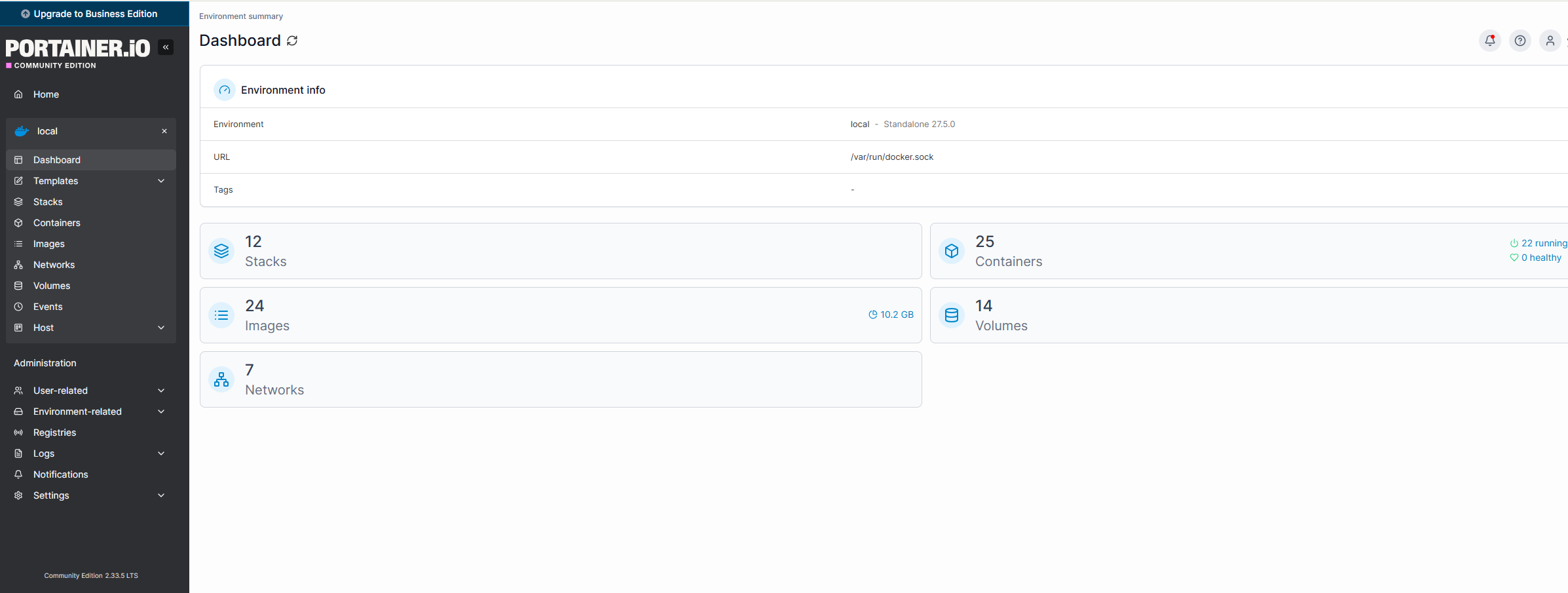
While Proxmox has a great GUI for managing VMs and LXCs, it doesn't manage the Docker containers running inside them. That’s why Portainer is essential.
Portainer gives me a visual dashboard to manage all my Docker stacks. Instead of SSH-ing into my Linux VM and running terminal commands to check logs or restart a service, I can do it all from Portainer’s web interface. It gives me instant visibility into how much of my Lenovo’s CPU and RAM each container is consuming, ensuring that no single app is hogging resources meant for my media transcoding.
It also simplifies lifecycle management. When I need to update an image or change a volume mapping, I can edit the docker-compose file directly in the browser and redeploy with a click.
Nginx Proxy Manager: The Gateway to My Lab
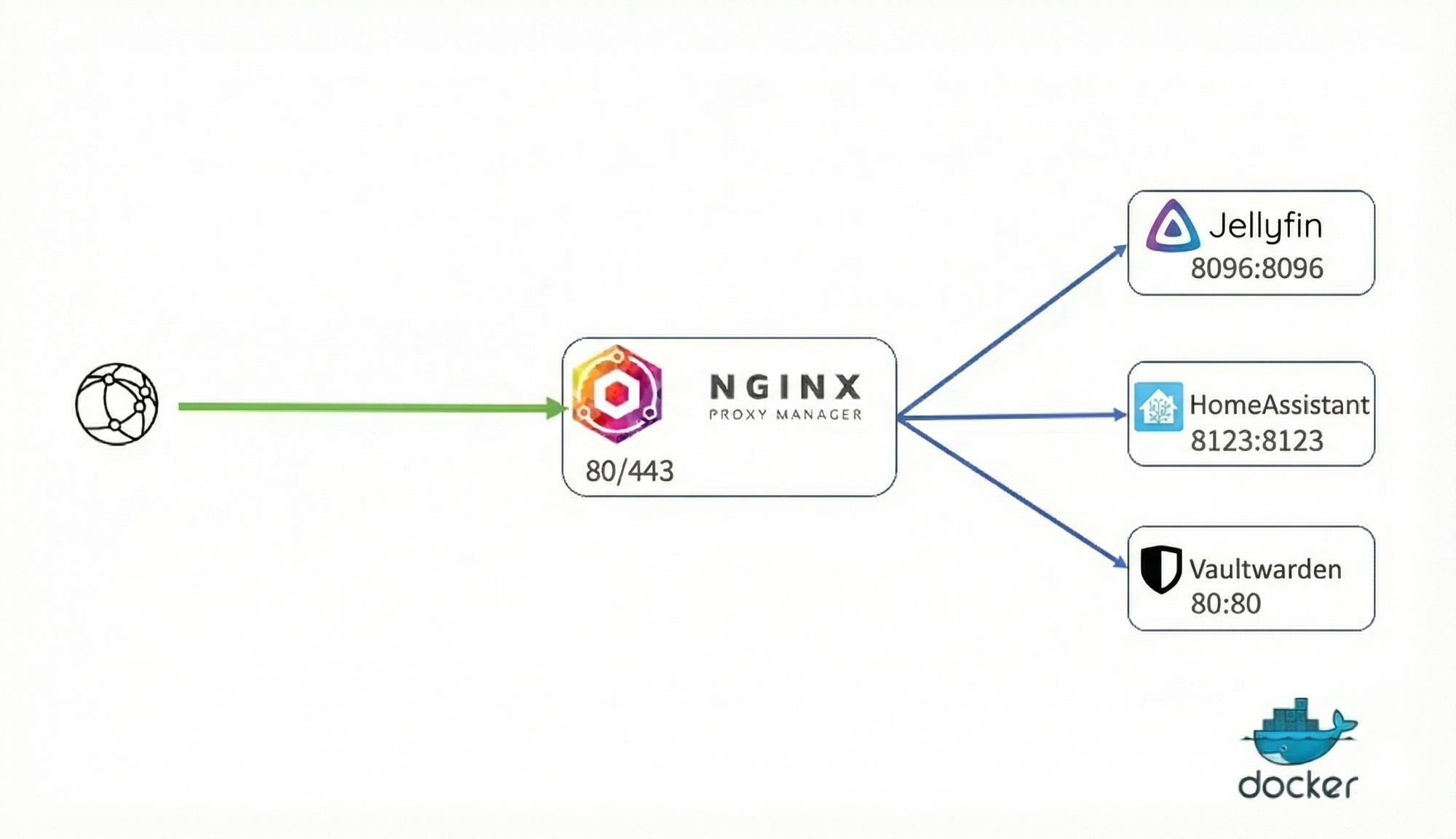
Exposing services to the internet is terrifying if you don't do it right. That's why Nginx Proxy Manager (NPM) is the unsung hero of my homelab.
Instead of opening dozens of ports on my router—which is a massive security risk—I forward just ports 80 and 443 to NPM. This container acts as a "reverse proxy," sitting between the internet and my internal services. When I type jelly.mydomain.com, NPM receives the request, checks the domain, and silently routes it to the correct internal IP and port for my Jellyfin server.
The best part? It handles SSL certificates automatically. With a few clicks, I can generate free Let's Encrypt certificates for all my subdomains, ensuring that my connection is always encrypted (HTTPS). It has a beautiful GUI that saves me from messing with complex Nginx config files, making it easy to securely share my media library or access Home Assistant remotely without needing a VPN for every little thing
Pi-hole: Network-Wide Ad Blocking
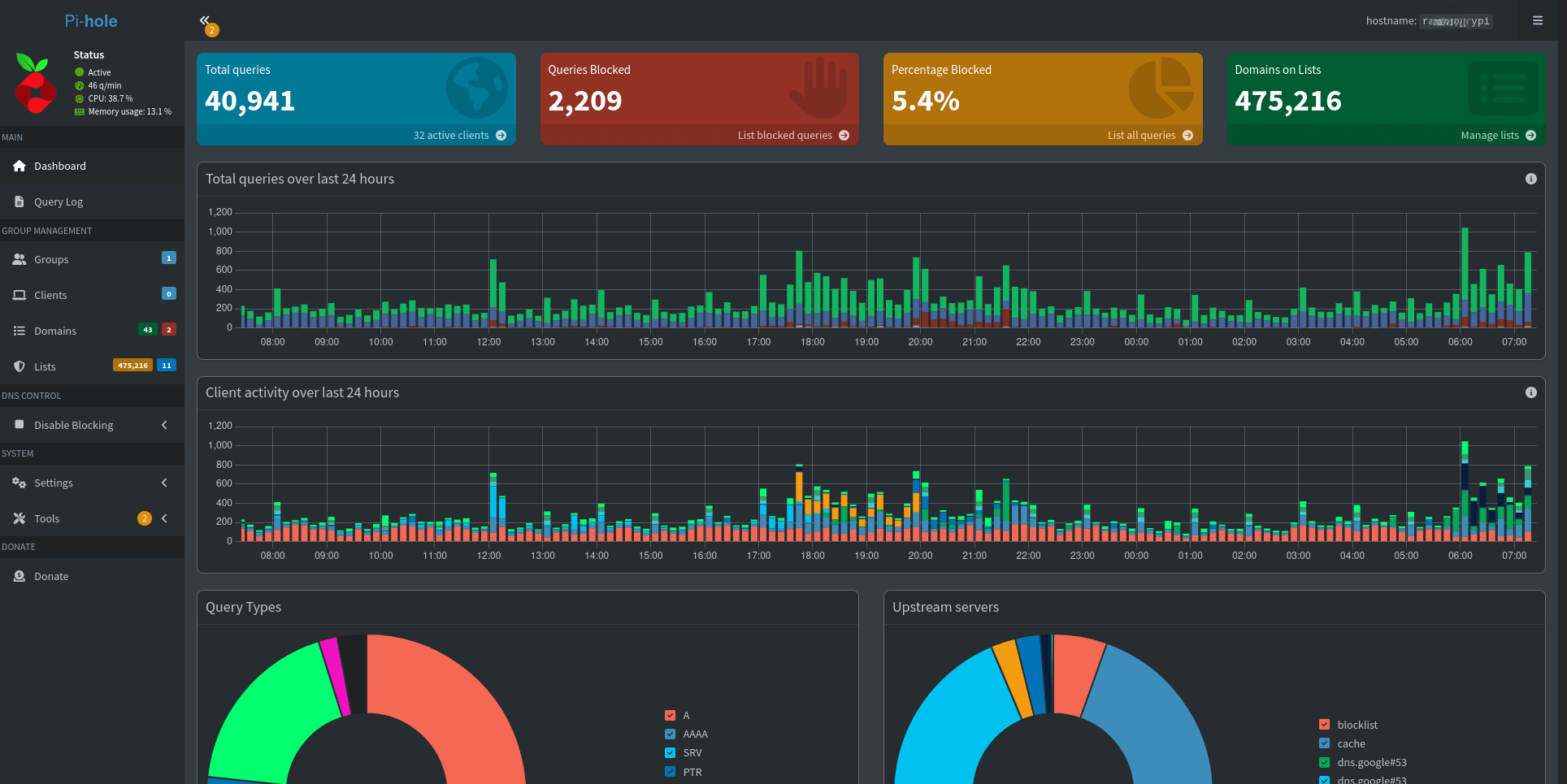
If you’re tired of ads cluttering every device on your home network—phones, tablets, smart TVs—Pi-hole is a must have.
Pi-hole acts as a DNS sinkhole. When any device on my network tries to load an ad or tracking domain, Pi-hole intercepts the request and blocks it instantly. This results in faster page loads and reduced bandwidth usage—which is still a relevant metric for many Moroccan ISP plans.
The TinyPC's superior I/O and reliable Ethernet connection mean DNS resolution is instant, with zero latency added to my browsing experience. Plus, since it's just a Docker container, I can easily migrate it or spin up a secondary instance for redundancy without buying more hardware.
Uptime Kuma: The Homelab Watchdog
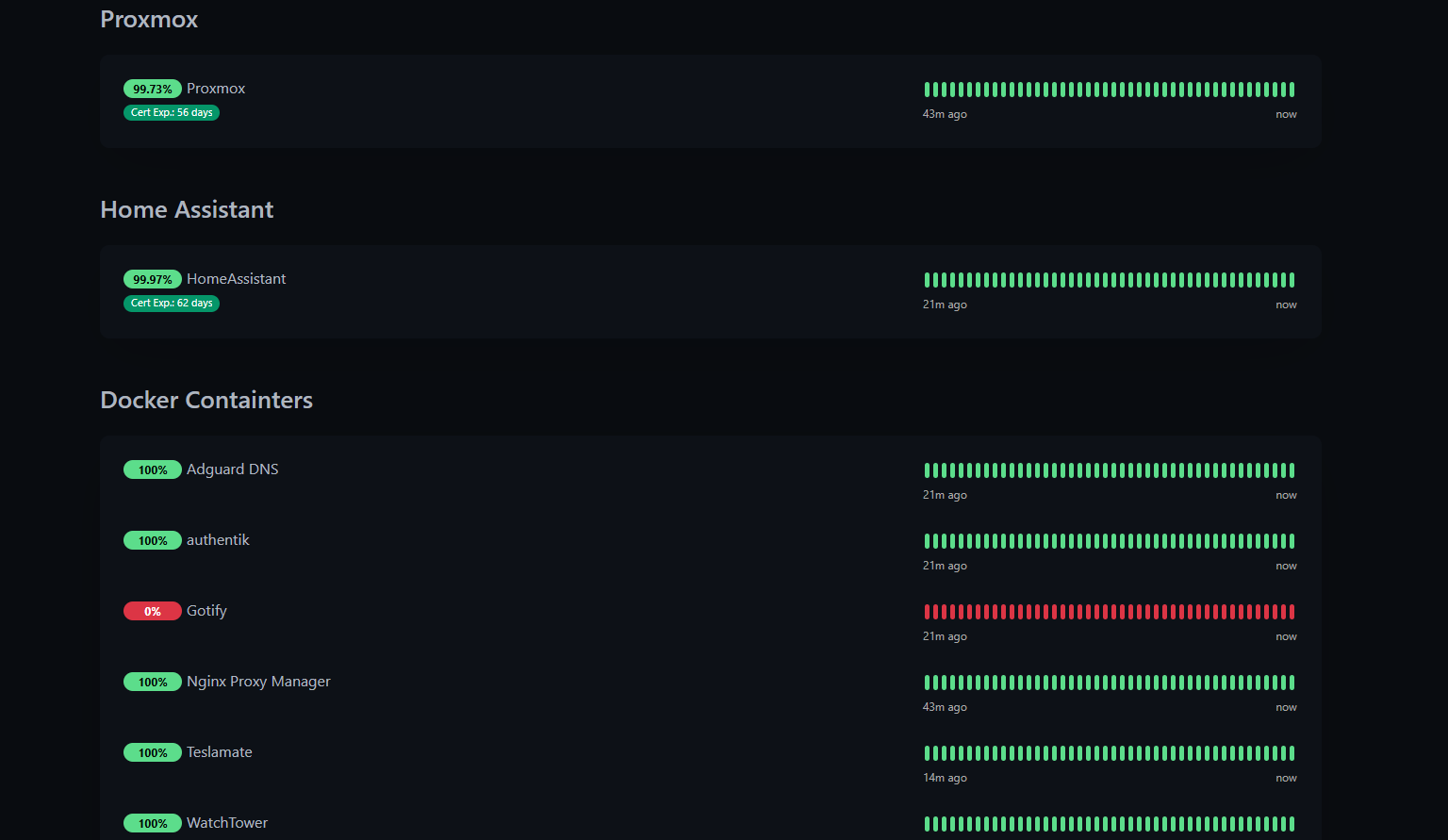
Once you start virtualizing multiple services on Proxmox, the question becomes: how do you know when a specific container or VM hangs? That’s where Uptime Kuma comes in.
This beautiful, self-hosted monitoring tool constantly pings my entire infrastructure—my Jellyfin LXC, my TrueNAS storage shares, my reverse proxy, and even external websites. It logs response times and uptime percentages with a sleek dashboard that looks professional but uses minimal resources.
I’ve configured it to send instant notifications via Gotify the moment a service goes down. Whether I’m working on a project at home or out riding my Trail Bike, I get alerted immediately if my server acts up. The peace of mind of knowing I’ll be alerted before anyone else in the house complains about "the internet not working" is worth every megabyte of RAM it uses.
Vaultwarden: Self-Hosted Password Manager
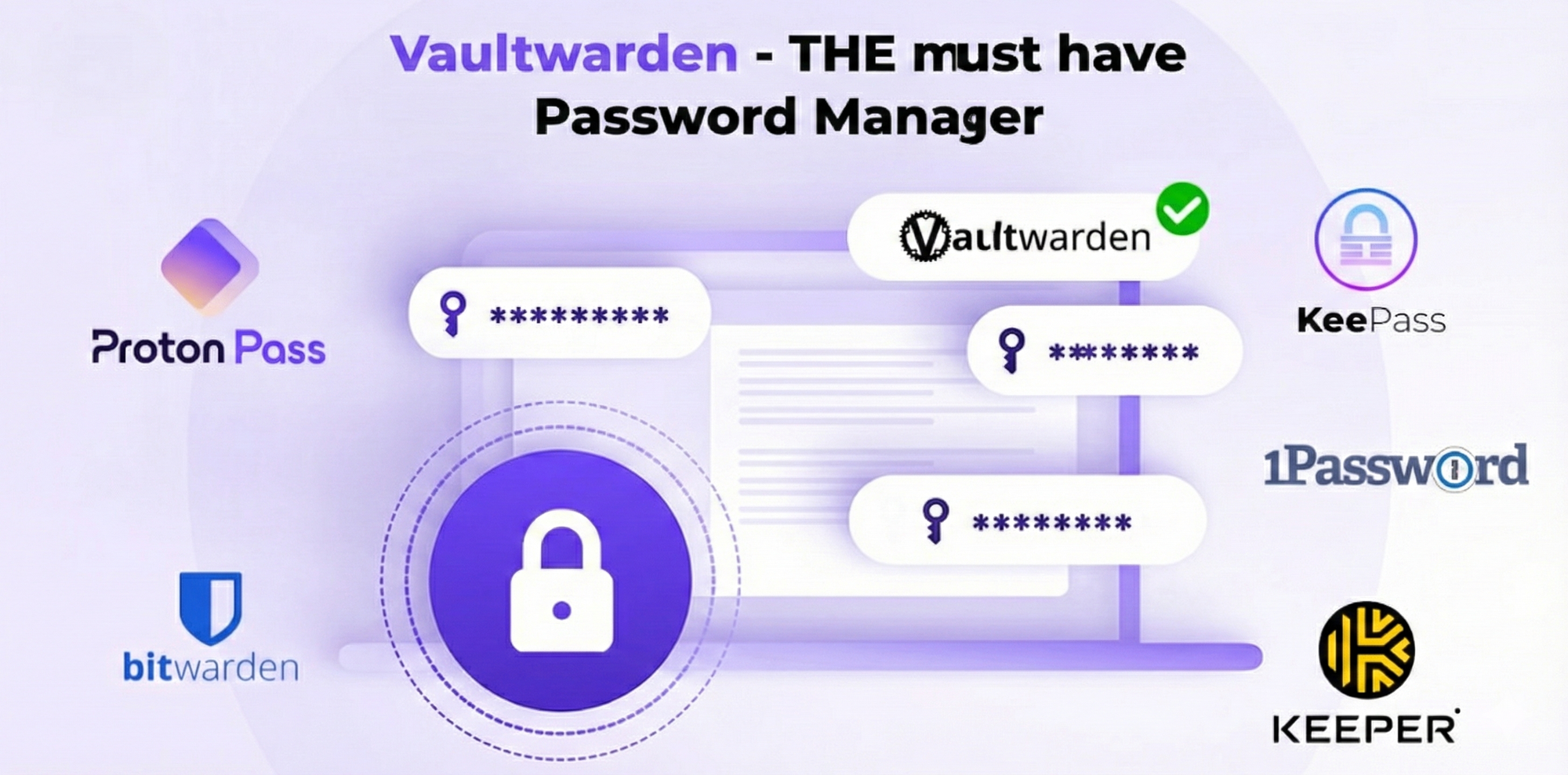
I’ve never been comfortable trusting my most sensitive data—passwords, 2FA tokens, secure notes—to third-party cloud services. That’s why Vaultwarden is one of the first containers I spin up.
While the official Bitwarden server is designed for enterprise clusters and is quite heavy, Vaultwarden is a community-developed alternative written in Rust. It is incredibly lightweight but remains fully compatible with all official Bitwarden clients. I get the polished mobile apps, browser extensions, and auto-fill features, but my encrypted vault lives securely on my Lenovo TinyPC.
For a self-hosting enthusiast in Morocco, where internet connectivity can sometimes be a variable, having local, LAN-speed access to my credentials is a game changer. Running it in Docker on Proxmox makes backups trivial—I just include the LXC in my regular backup schedule.
Why The TinyPC Approach Wins
These five containers prove that you don't need a rack-mounted enterprise server to run a serious homelab. My Lenovo TinyPC strikes the perfect balance: it has the horsepower to transcode video and run VMs via Proxmox, but by choosing lightweight Docker alternatives like Vaultwarden and Uptime Kuma, I ensure the system remains responsive and efficient.
For anyone in the Moroccan tech community looking to start on the homelab journey , a used TinyPC running Proxmox is the best investment you can make. You get enterprise-level virtualization features with a footprint that fits on a bookshelf.
What are you running on your Proxmox setup? Let me know if you have other lightweight recommendations to add to my stack