Breaking Free from Big Tech: How I Built My Family's Private Cloud
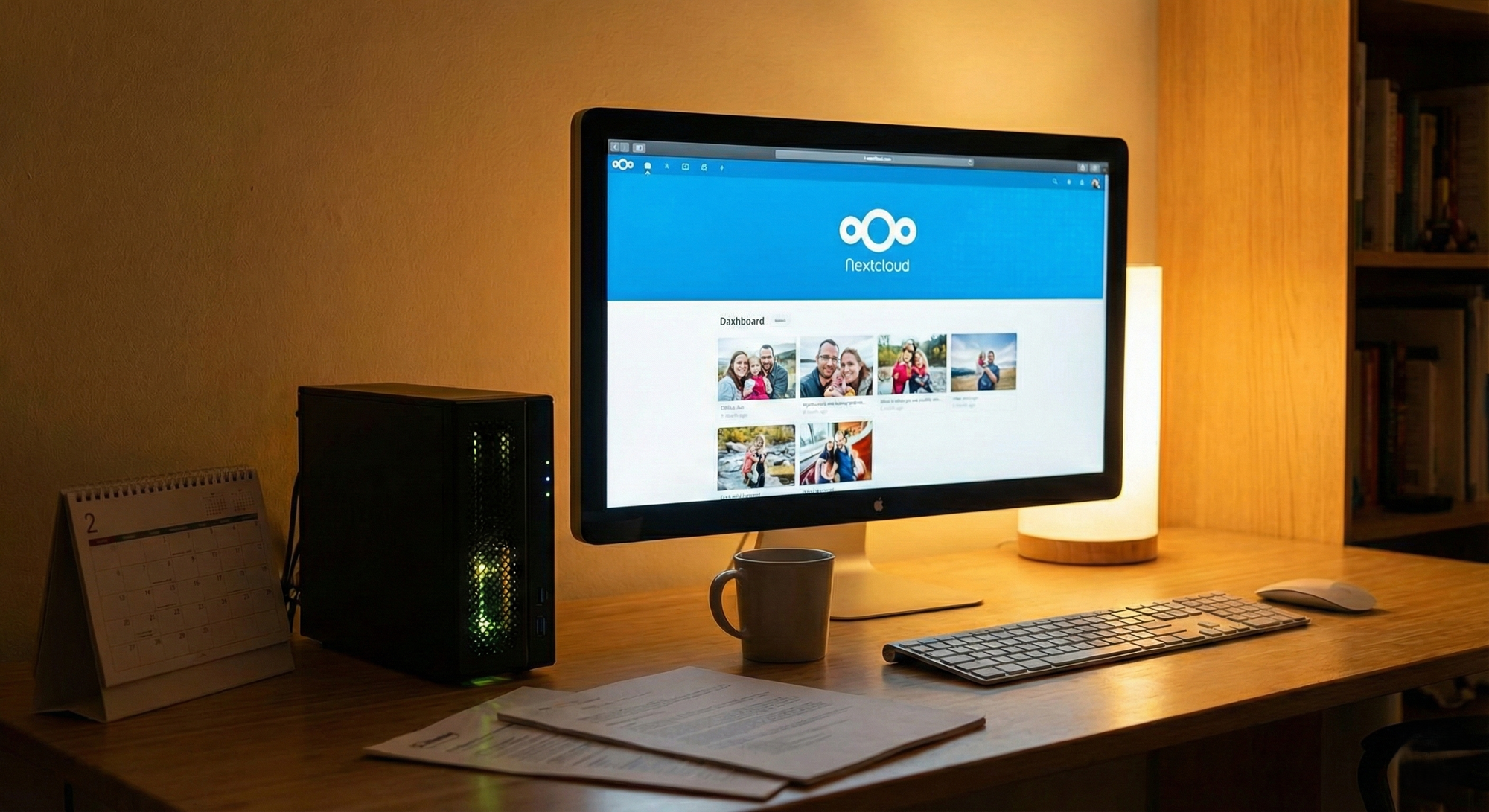
Like many of you, I spent years happily trading my privacy for convenience. My photos lived in Google Photos, my documents in Drive, and my family's schedule in my Phone's Calendar app. It worked... until it didn't. The realization hit me somewhere between a price hike for storage tiers and the nagging thought: Who actually owns these memories?
I wanted out. I wanted to own my data, but I didn't want to sacrifice the "magic" of modern cloud services—auto-uploading photos, shared calendars, and easy file access.
That’s when I turned to my HomeLab and found Nextcloud. In 2025, it isn't just a "Dropbox alternative"—it's a full-blown digital workspace. Here is the story of how I built our private family cloud, how I survived the installation, and how it actually works for my wife and kids.
Why Nextcloud? (The "De-Googling" Decision)
I looked at plenty of options. For photos alone, Immich is fantastic. For files, Syncthing is robust. But I didn't want to manage ten different accounts for my family.
I chose Nextcloud because it is the Swiss Army Knife of self-hosting. It handles:
- Files: Like Dropbox.
- Photos: With AI facial recognition (running locally!).
- Calendars & Contacts: Syncs natively to our phones.
- Video Calls: A private "Zoom" for everyone, newbies included.
It was the only solution that could replace the entire Google ecosystem in one go.
Part 1: The Setup Adventure
I run my HomeLab on a modest TinyPC running Proxmox with Ubuntu and Docker. I decided to use the Nextcloud All-in-One (AIO) image. Trust me on this: unless you enjoy manually configuring PHP-FPM and Redis, just use AIO. It handles the database, backups, and updates for you.
The "Docker Compose" Config
Here is the exact docker-compose.yml I used. The trickiest part was getting it to play nice with my existing Reverse Proxy (Nginx Proxy Manager), so I had to set a specific listen port.
textservices:
nextcloud-aio-mastercontainer:
image: nextcloud/all-in-one:latest
init: true
restart: always
container_name: nextcloud-aio-mastercontainer
volumes:
- nextcloud_aio_mastercontainer:/mnt/docker-aio-config
- /var/run/docker.sock:/var/run/docker.sock:ro
# This was my "Ah-ha!" moment: mounting the big 12TB drive directly
# - /mnt/storage_hdd:/mnt/hdd_data
ports:
- 11000:8080
environment:
- APACHE_PORT=11000 # Crucial for the reverse proxy!
- APACHE_IP_BINDING=0.0.0.0
volumes:
nextcloud_aio_mastercontainer:
name: nextcloud_aio_mastercontainer
The Reverse Proxy Hurdle
I didn't want to open random ports on my router. I used Nginx Proxy Manager to handle the SSL certificates (getting that secure "HTTPS" padlock is mandatory for mobile apps to work).
I pointed cloud.mydomain.com to my server's IP at port 11000. The feeling when I first saw the Nextcloud login screen load securely on my phone was pure victory.
The "Big Data" Trick
My TinyPC server has a small SSD for the OS, but I have a massive 12TB mirrored pool for data and media sitting on my TrueNAS Server. Nextcloud AIO doesn't use this by default. I had to use the "External Storage Support" app.
- I mounted the drive into the container (uncommenting the line in the YAML above).
- In Nextcloud settings, I added it as "Local" storage.
Result: My family now has an 12TB cloud. Take that, Google One subscription fees!
Part 2: How My Family Actually Uses It
The "Wife Acceptance Factor" (WAF) is the boss level of any HomeLab project. If it's harder to use than Google, they won't use it. Here is how we integrated it into our daily lives.
1. The Photo Backup (Goodbye, Google Photos)
This was the biggest selling point. We installed the Nextcloud app on our iPhones and Androids.
- Auto-Upload: I set it to upload "Camera Roll" instantly to the server when on Wi-Fi.
- The "Memories" App: The default Photos viewer in Nextcloud is okay, but I installed the community plugin "Memories." It mimics the Google Photos timeline view perfectly and even does face recognition on the server hardware. Now, my wife can search "beach" or "dog," and it finds those photos instantly—without sending data to the cloud.
2. The Shared Brain (Calendars & Contacts)
We have a shared "Family" calendar.
- Syncing: On iOS, it's native (via a configuration profile). On Android, we use the DAVx5 app.
- Usage: If I add a dentist appointment on my PC, it shows up on my wife's phone instantly. We also sync our contacts, so if my phone falls in the ocean, I don't lose my friends' numbers.
3. Document Collaboration
We have a "Family Admin" folder.
- Shared Access: We both have access to tax documents, house deeds, and insurance policies.
- Group Folders: I used the "Group Folders" app to create directories that don't belong to a single user (like me) but to the "Parents" group. This ensures that if I mess up my account, the files aren't deleted.
4. Private Video Calls (Nextcloud Talk)
We tried Nextcloud Talk for video calls. Is it as smooth as FaceTime? Honestly, not always—it depends heavily on our home upload speed. However, for sensitive chats or when we want to share screens without installing Zoom, it’s incredible. We mostly use the chat feature for a private "Family Group" that isn't being data-mined by Meta.
Conclusion: Was It Worth It?
Building this wasn't just about saving $10 a month. It was about digital sovereignty.
- I own the hardware.
- I own the data.
- No AI is training on my children's faces.
Yes, it requires maintenance. I have to check for updates and ensure my backups are running. But the peace of mind I get when I see that green "All Systems Operational" checkmark? You can't buy that with a subscription.
Your digital freedom is waiting—right inside your own home. It might start with a single Docker container, but it ends with something far more valuable: the knowledge that your memories, your data, and your privacy are finally back in your hands. Don't just read about the revolution; host it!!!.
Fire up that server, claim your digital independence, and welcome to the self-hosted life. You're going to love it.