My Breakup with Dropbox: How Self-Hosting Nextcloud on TrueNAS Changed the Game
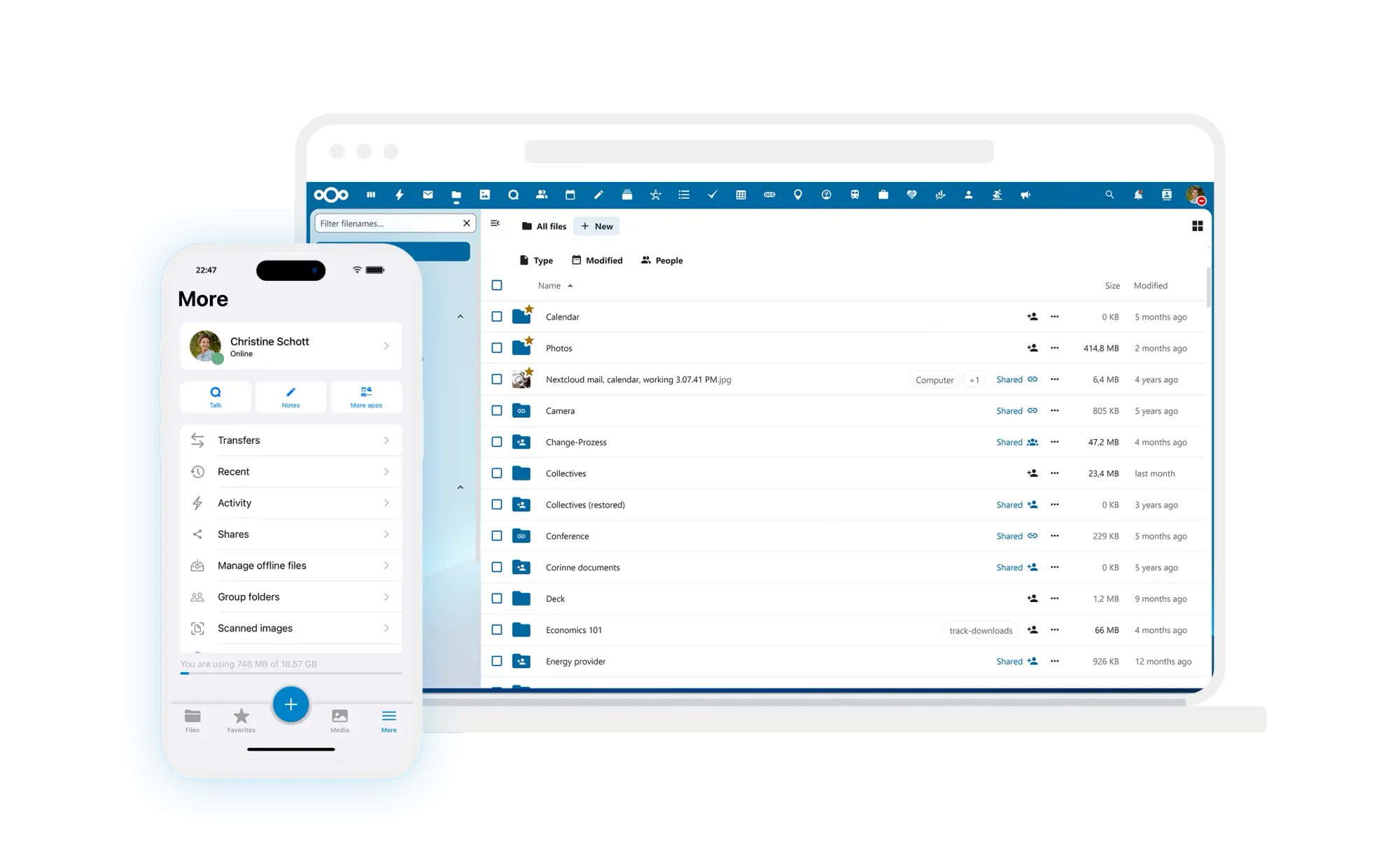
I finally did it. After years of watching subscription fees tick upward and wondering just how private my "private" cloud files and folders really were, I pulled the plug on Dropbox and Box.com. The alternative? A self-hosted instance of Nextcloud running on my own hardware.
This wasn't just a "install it and hope" experiment. I recently built a robust homelab setup, running a cluster of 2 Proxmox Servers running multiple virtual machines and containers (including a TrueNAS Scale VM as my primary NAS). Installing NextCloud sounds complex, but the reality is that I built a faster, larger, and infinitely more private cloud than anything I could rent.
Here is how I built it and why I haven't looked back.
The Setup: TrueNAS Scale on Proxmox
My homelab isn't a standard bare-metal NAS; it is a virtualized powerhouse. I run TrueNAS Scale (specifically the recent 24.10 "Electric Eel" release) as a VM on my secondary Proxmox node.
Why Virtualize?
Virtualizing TrueNAS on Proxmox gives me the best of both worlds. I can run my storage OS alongside other services (like Home Assistant) without needing separate physical boxes. The key was passing through my Hard Drives directly to the TrueNAS VM, giving it direct access to the hard drives so ZFS can work its magic safely.
The Storage Layout
I utilized ZFS to tier my storage for performance and capacity:
- "Bolt" Pool (NVMe): This fast pool hosts the Nextcloud application, database (PostgreSQL), and cache. Navigating folders and generating image previews is instant .
- "Tank" Pool (HDDs): My 4TB spinning rust pool. This is where the actual files live—terabytes of photos, documents, and backups, far exceeding the measly limits of most cloud plans .
The "Electric Eel" Advantage
One of the biggest reasons I committed to this now is TrueNAS Scale's recent shift from Kubernetes (k3s) to native Docker Compose in the 24.10 update.
Previously, running apps on TrueNAS could be heavy and complex. With the switch to Docker, installing Nextcloud is lighter, faster, and follows industry standards. I used the official Nextcloud app from the "Discover Apps" catalog, but the new backend means I could easily spin up a custom Docker Compose stack if I ever wanted granular control over the versions or sidecars.
Why Nextcloud Made Me Forget Dropbox and the likes
The migration was easier than I feared, and the daily experience has actually been better.
1. Privacy and Data Sovereignty
This is the big one. With Dropbox, you are renting space on someone else's servers, subject to their scanning, terms of service, and potential data breaches. With Nextcloud, I own the data. It sits on my drives, encrypted and under my control.
2. Speed (Local vs. Cloud)
When I drop a 4GB video file into my Nextcloud folder while at home, it transfers at local network speeds (1Gbps+), not my ISP's upload speed limit. It finishes in seconds, not hours.
3. Feature Parity (Hub 9)
I worried I would miss the polish of commercial apps, but Nextcloud's recent Hub 9 release crushed that fear. It includes:
- Federation: I can share folders with friends who have their own Nextcloud servers seamlessly.
- Mobile Apps: The iOS and Android apps are fantastic. They auto-upload my camera roll just like Dropbox, but they put the photos exactly where I want them on my "Tank" pool.
- AI & Whiteboards: Hub 9 added a new whiteboard feature and AI assistants that run locally—no sending data to OpenAI or others.
4. No Subscription Fatigue
I was paying ~$15/month, Now, I have 4TB of redundant storage for $0/month. The hardware cost was an investment, but it pays for itself in subscription savings in under two years.
The "Sleep at Night" Factor: Backup Strategy
Self-hosting scares people because "what if the drive fails?" This is where my 3-2-1 backup strategy comes in.
- Local:
- My Nextcloud data sits on my mirrored Pool so in the event one drive fails, my data is still safe and remains accessible.
- I backup my entire TrueNas VM daily through my Proxmox Backup Server (PBS). I know I can restore that VM regardless of what happens.
- Remote: I have my data replicated to a remote cloud PBS instance.
- Cold: I keep an offline copy on a USB hard drive for worst-case scenarios .
Because TrueNAS handle snapshots so well, I can roll back my entire Nextcloud instance to "yesterday" instantly if an update ever breaks something—a feature Dropbox definitely doesn't offer.
Conclusion
Leaving the commercial cloud wasn't just a move for privacy; it was an upgrade in performance. My virtualized TrueNAS setup handles my data with enterprise-grade reliability (ZFS) while Nextcloud provides the slick interface I need for daily work.
If you have a homelab and are still paying for Dropbox, it’s time to build your own cloud. You won't regret it!!!